 Eat'n'Fit
TL;DR
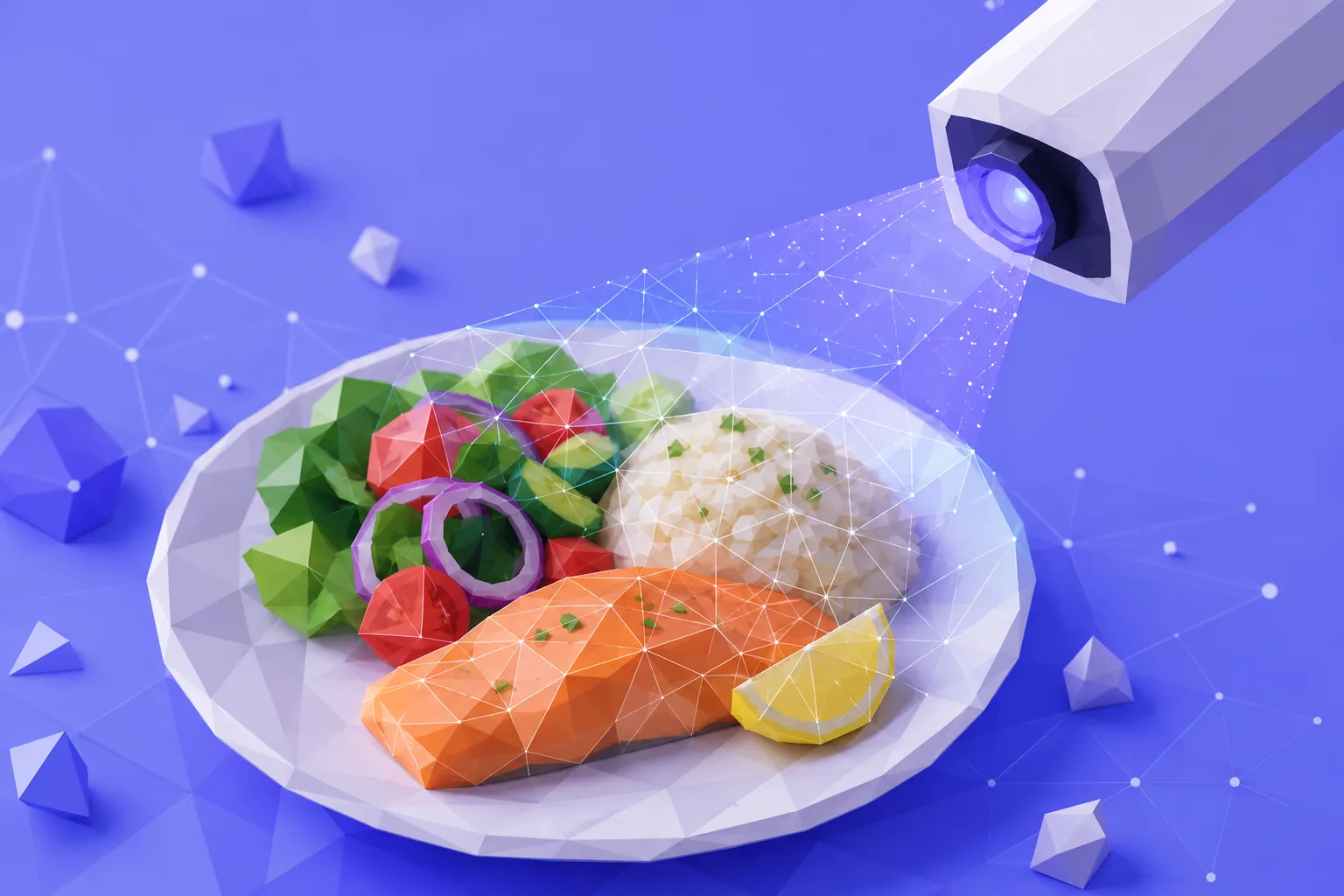
- The scan does three jobs in a second: it recognizes the dishes, estimates how much of each is on the plate, and pulls the calories and macros for that amount.
- Recognition is the strong part — clear, separated whole foods and plated meals read well.
- Portion size and hidden fats (oil, butter, dressing) are where the estimate has to guess.
- A quick glance before you log — confirm the dish, nudge the portion, add the oil — turns a good guess into a number you can trust.
You point the camera at dinner, and a second later there is a number. It feels a little like magic and a little like a trick: how can a flat photo know how many calories are on the plate? The clearest way to think about it is as three quick jobs stacked on top of each other. Once you know what each one does well, you know exactly where to lend a hand.
What the scanner sees first
The first job is recognition. The model looks at the photo and names what is there: grilled salmon, a green salad, a scoop of rice. This is the part modern food recognition is genuinely good at. Whole foods with clear edges — a chicken breast, an apple, a bowl of oats — get identified quickly and reliably. A plate where each item sits in its own space is the easy case.
Mixed and blended dishes are harder. A curry, a smoothie, a casserole, where ingredients lose their shape and hide inside each other, give the model less to work with. It can still make a sensible call, but that is the moment a quick edit earns its keep.
From a picture to a portion
Naming the food is only half the story. To reach a calorie number, the scan also has to estimate how much of it is on the plate, and this is the hard job. A flat photo has to stand in for something with real depth. A thin fillet and a thick one look almost identical from above; a small bowl and a large one look the same until there is something beside them for scale.
That is why the same meal can read a little differently from one photo to the next, and why the portion is the first thing worth a second look.
Where the number comes from
Once the scan knows the dish and the portion, the last step is a lookup: it takes the calories, protein, carbs, and fat for that food and scales them to the amount it estimated. Recognition and portion both feed this step, so any wobble earlier shows up in the final figure.
Two things trip it up most often, and both are invisible to a camera:
- Fats you cannot see. The oil a vegetable was roasted in, the butter on the rice, the dressing already tossed through a salad. These carry real calories and leave no trace in the photo.
- Cooking method. Grilled and fried can look similar on a plate but land far apart on the number.
The one-minute habit that keeps it honest
None of this makes the scan less useful. It just tells you where to look. Before you log a meal, give it a quick once-over:
- Confirm the dish. If the scan guessed rice and it was quinoa, fix it. This is the cheapest correction, and it matters most on mixed plates.
- Nudge the portion. You know whether that was a light lunch or a big one better than a photo does. A small adjustment here moves the number more than anything else.
- Add what is hidden. If you cooked in oil or dressed the salad, add it. It is the single most common reason a day ends up looking lighter than it really was: self-reported intake tends to run about a fifth under the true figure.
In Eat'n'Fit the meal stays fully editable before it is logged, so this takes a few taps, and your daily total updates the moment you save. Snapping the plate also sidesteps a known weakness of written diaries: image-based logging has been shown to reduce the underreporting that creeps in when you log from memory.
When a photo is not the fastest way
The camera is the quickest route for most plated meals, but not every food photographs well. A protein shake, a handful of nuts on the move, a coffee with milk — these are often faster to say than to shoot. That is what voice logging is for: tell the app what you had and it turns the words into calories and macros, the same way the scan does.
Treat the scan as a strong first draft, not a final verdict. Recognition does the heavy lifting, the one-minute check covers the two things a photo cannot see, and the number you log is one you can actually stand behind.
Getting the most accurate scan
A few habits meaningfully improve what the scanner gives you back:
- Good light, from above. A clear, well-lit shot looking down on the plate helps recognition far more than a dim, side-on angle.
- Give items room. Foods that sit in their own space are read more reliably than a jumbled, overlapping pile.
- Include something for scale. A fork, a standard plate, or your hand in frame helps the estimate judge portion size.
- Shoot before you dig in, while the meal is whole — a half-eaten plate is much harder to read.
None of this is fussy, and it takes a second — but a clean photo is the difference between a scan you tweak lightly and one you have to correct from scratch.
Sources
- Shonkoff E, et al. AI-based digital image dietary assessment methods compared to humans and ground truth: a systematic review. Annals of Medicine, 2023.
- Ptomey LT, et al. Validity of energy intake estimated by digital photography plus recall in overweight and obese young adults. Journal of the Academy of Nutrition and Dietetics, 2015.
- Moyen A, et al. Relative validation of an artificial intelligence-enhanced, image-assisted mobile app for dietary assessment in adults. Journal of Medical Internet Research, 2022.
Scan your next meal
Point Eat'n'Fit at your plate and get calories and macros in seconds — then tweak the portion and log it in a tap.


Everything on the Eat'n'Fit blog is published for general information and wellness only, and is not a substitute for medical or nutritional advice or treatment. Always talk to a doctor or a registered dietitian before making significant changes to your diet. If you have, or think you may be at risk of, an eating disorder, please do not rely on the app and seek professional help.